
Farm, managed.
Farm management system
Fields, crops, tasks, stock, harvests, payroll and money, on one shared record.
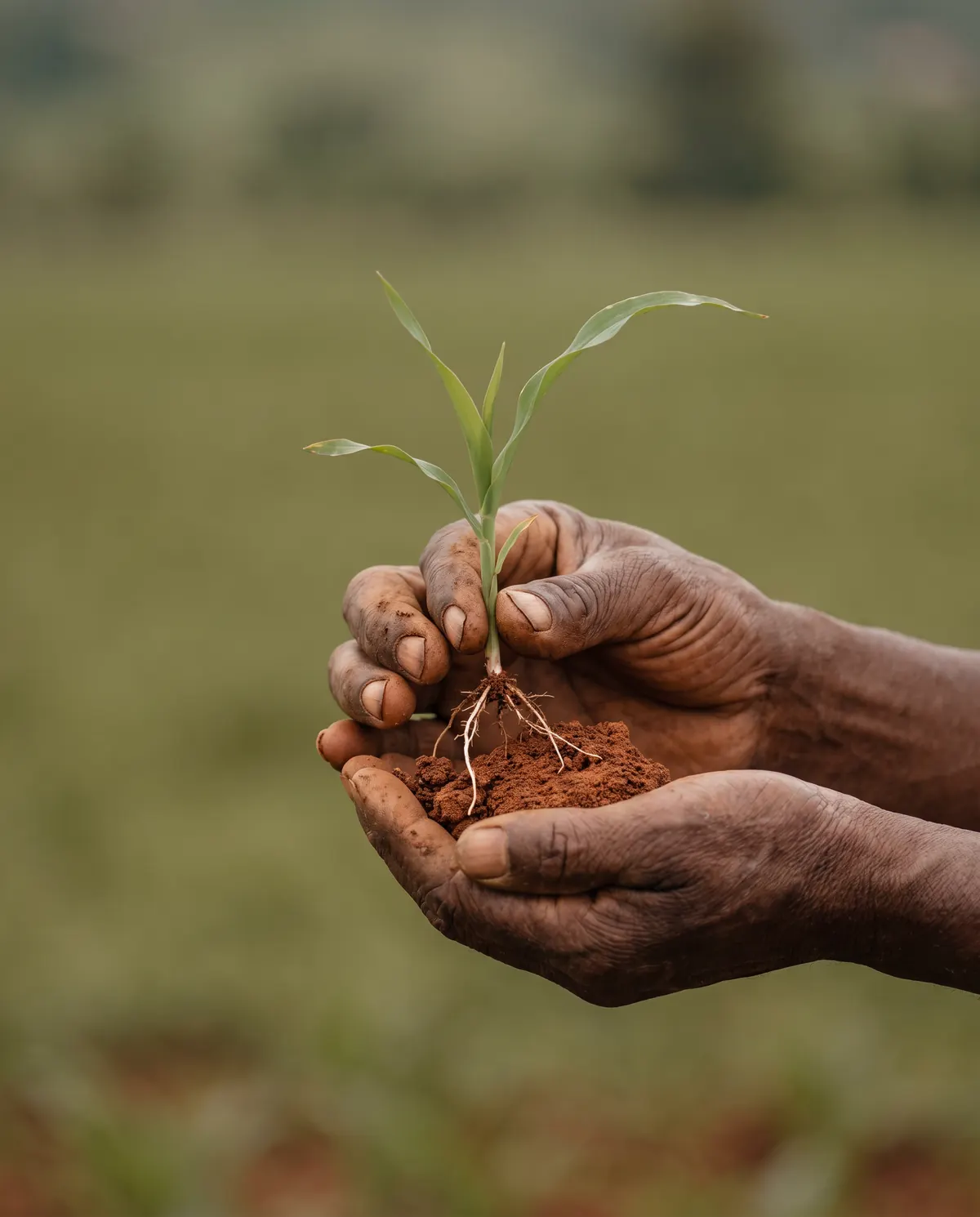
For the field.
For the office.
Plan each season, run the day's work and see what every project earned, in Rwandan francs.
New farms get 14 days free. No credit card required.
Farm records keep getting stuck in the field
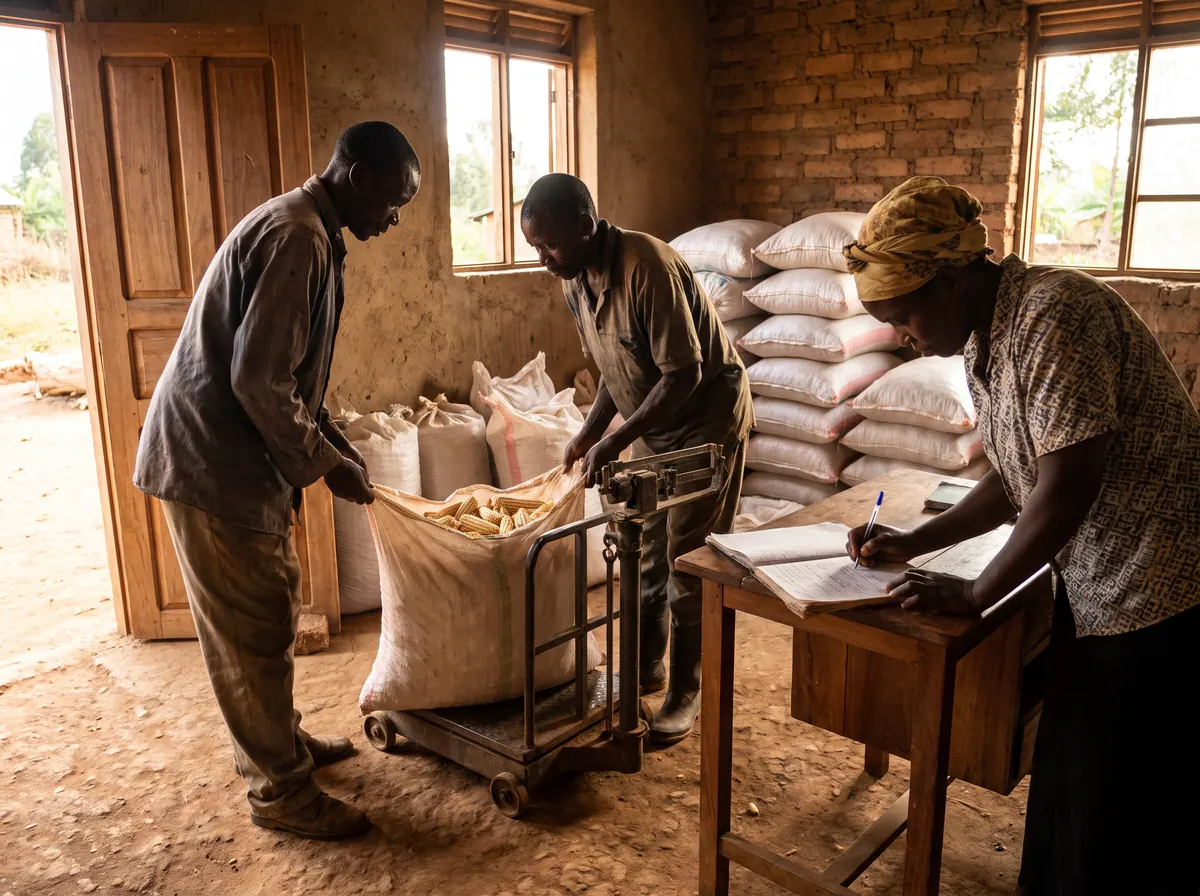
In notebooks, on receipts in a pocket, in a payroll worked out by hand at the end of the week. FMS puts them on one shared record as the work happens, so the office sees what the field sees.
One project,
eight phases
Every crop cycle moves from planning to closed, with its permits, soil tests, RSB clearances, tasks, costs, harvest and sales on the same project.
- 01
Planning
Choose the field and the crop cycle.
- 02
Clearance
Permits, soil tests and RSB clearances.
- 03
Land prep
The ground made ready to plant.
- 04
Planting
Crops recorded with their plant dates.
- 05
Growing
Tasks, inputs and labour as they happen.
- 06
Harvest
Quantities and dates logged by crop.
- 07
Post-harvest
Sales, subsidies and grants recorded.
- 08
Closed
A profitability report for the project.
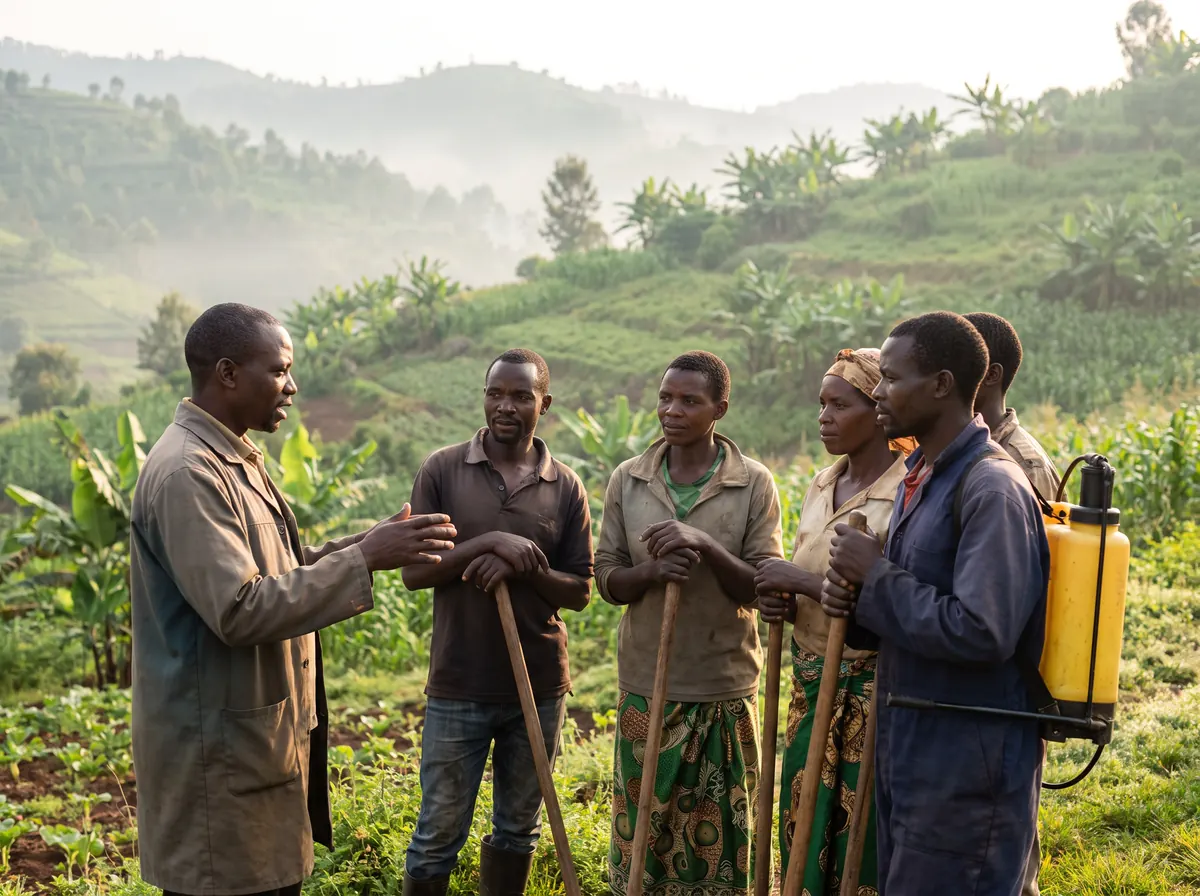
- Modules on one shared record
- 12
- Phases from planning to closed
- 8
- Days free for a new farm
- 14
- Every amount in Rwandan francs
- Rwf
Twelve modules
Tasks, expenses, harvests and sales link back to the field and project they belong to.
- 01
Dashboard
For the morning check
Active projects, approval blockers, pending tasks, this week's payroll, charts, a farm map and the weather.
- 02
Projects
For each crop cycle
A field paired with a crop cycle and moved through eight phases. Permits, soil tests and RSB clearances on file.
- 03
Fields
For the land itself
Boundaries drawn on a satellite map, size in acres or hectares, soil type, and crops laid over the map.
- 04
Crops
For every planting
Crop type with plant and harvest dates, followed from planted to harvested, with problems flagged.
- 05
Tasks
For the day's work
Irrigation, spraying, fertilising, weeding and inspections, assigned to the team on a monthly calendar.
- 06
Inventory
For the store
Seeds, fertiliser, pesticides, herbicides and equipment in their units, with a low-stock flag.
- 07
Harvests
For what comes in
Quantity and date against crop and project, with yield by crop on the dashboard and in reports.
- 08
Expenses
For what goes out
Seeds, labour, fuel, transport, irrigation and more, each linked to the project it belongs to.
- 09
Payroll
For the weekly pay
Attendance on a weekly grid, pay worked out from each worker's daily rate, and a summary to export.
- 10
Revenue
For what it earned
Sales, subsidies and grants with buyer and quantity, linked to the project, crop or harvest.
- 11
Reports
For the books
Profitability, project, expense, harvest and inventory reports by date and project. CSV, print or PDF.
- 12
Users
For the team
Invite people by email and choose which modules and projects each person can open.
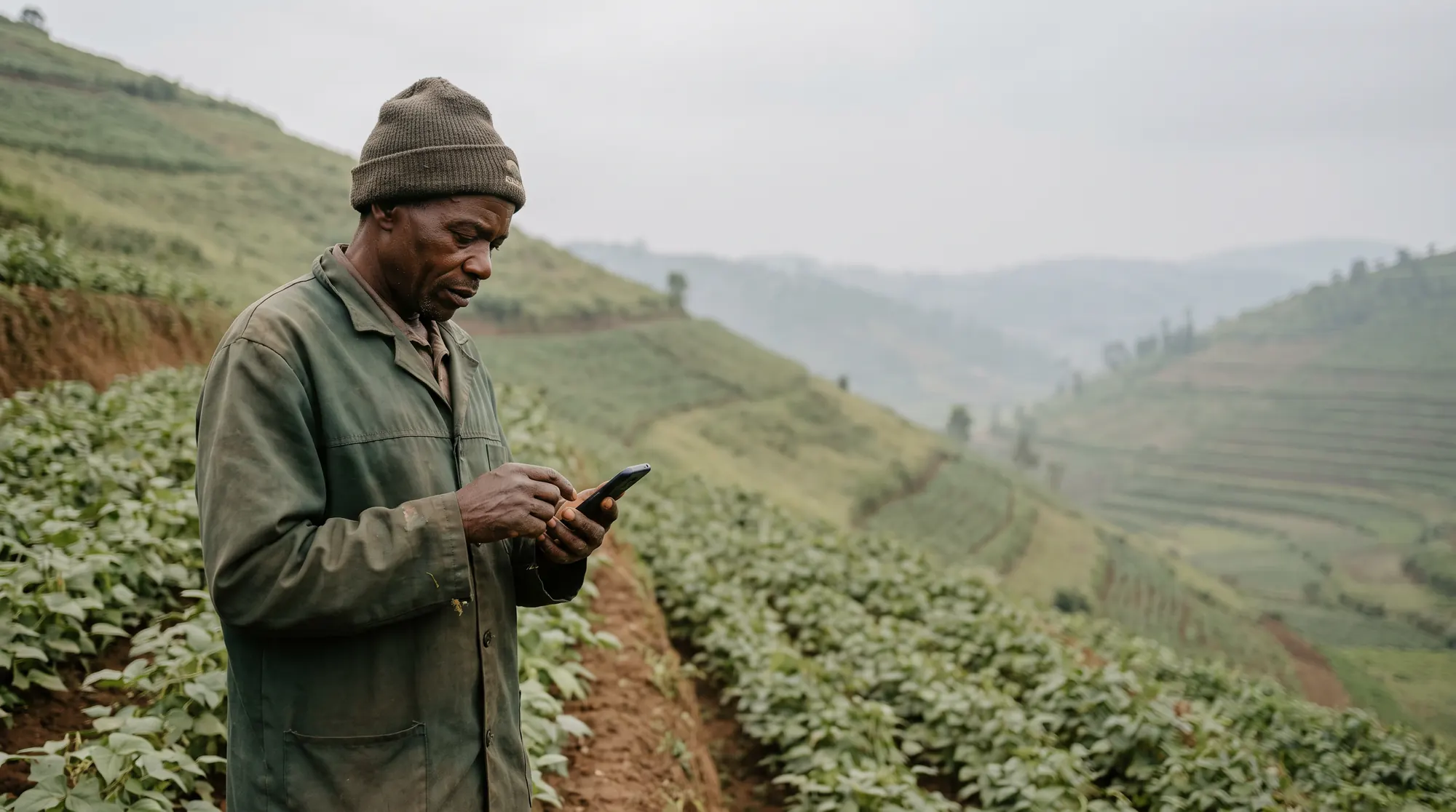
The same record, on a phone
What the office sees on a laptop, the field sees on a phone, with a bottom menu on small screens.
Each person sees their part
Workers see only the projects they are on. Expenses, payroll, revenue and reports stay hidden unless you turn them on.
Every season starts with a plan
Start the next one on FMS
Create a farm account, map your fields, open a project and bring in your team. 14 days free, no credit card.